Bundled deity and mantra flows available inside the app.

Focused practice. No cloud dependence.
A quieter way to keep daily japa.
MANTRINI is an Android-first Japa companion built for people who want counting, continuity, and devotional privacy without accounts, ads, telemetry, or social noise.
The site is designed around the shortest path to install: open the official APK on your Android phone, or scan the QR code from another screen and continue from the latest GitHub release.
Session records stay on device through Drift and SQLite.
No login, no analytics, no cloud account boundary.
App walkthrough
Screens in natural capture order.
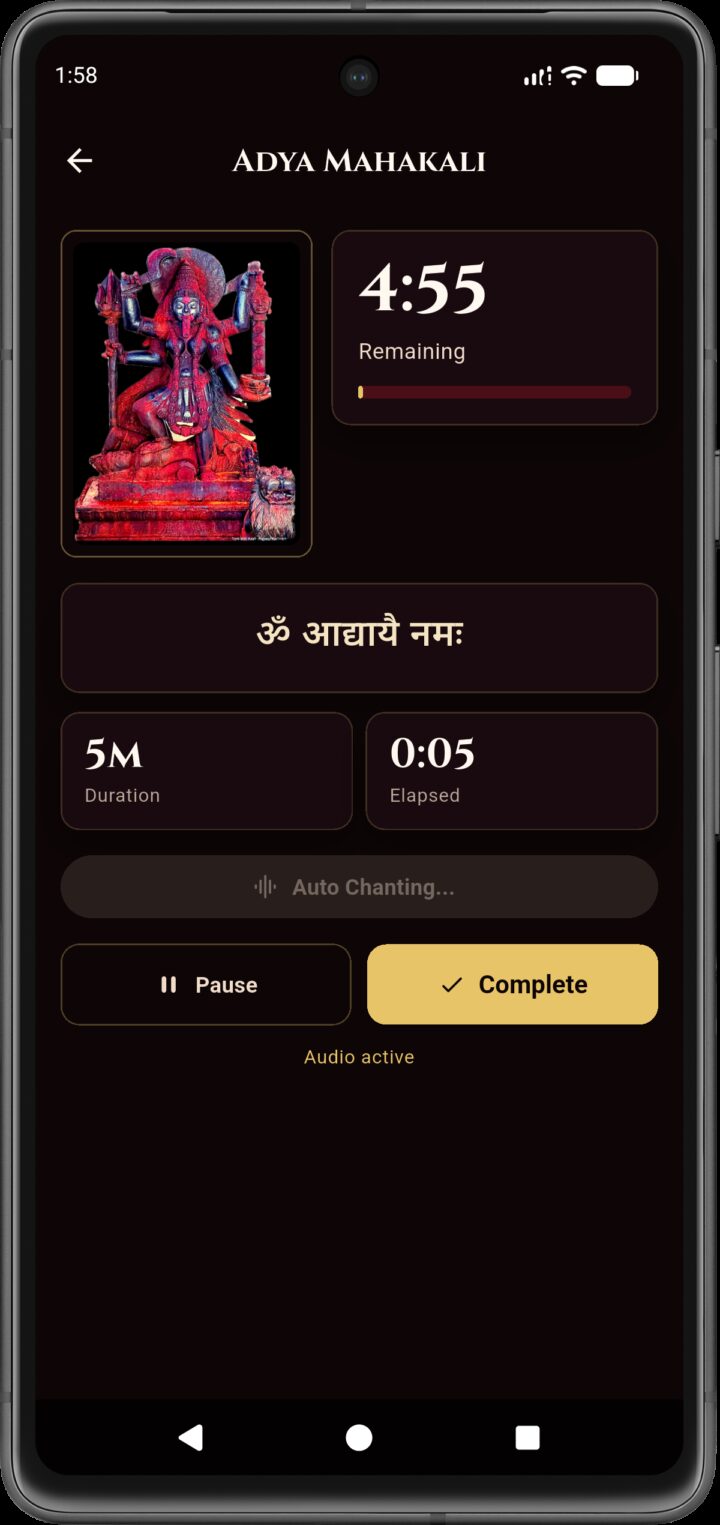
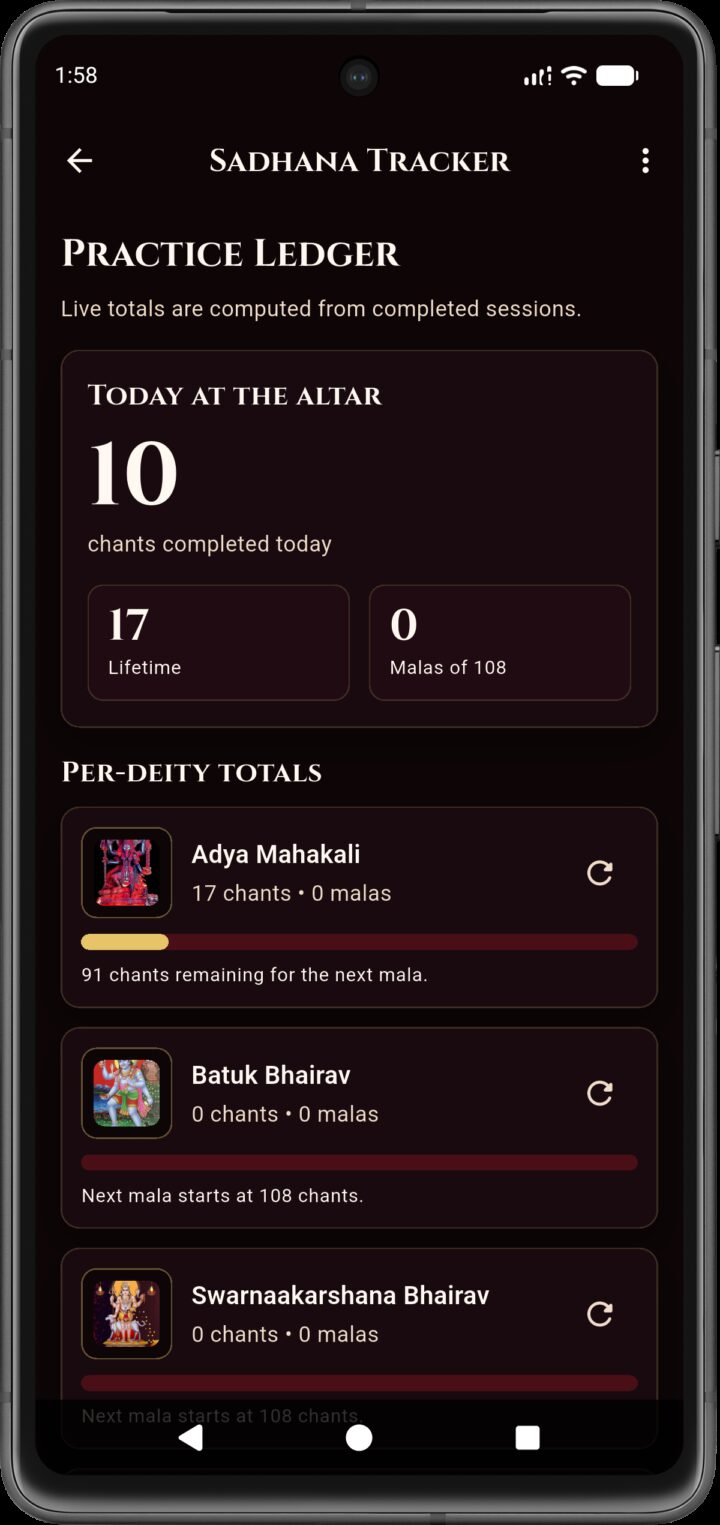
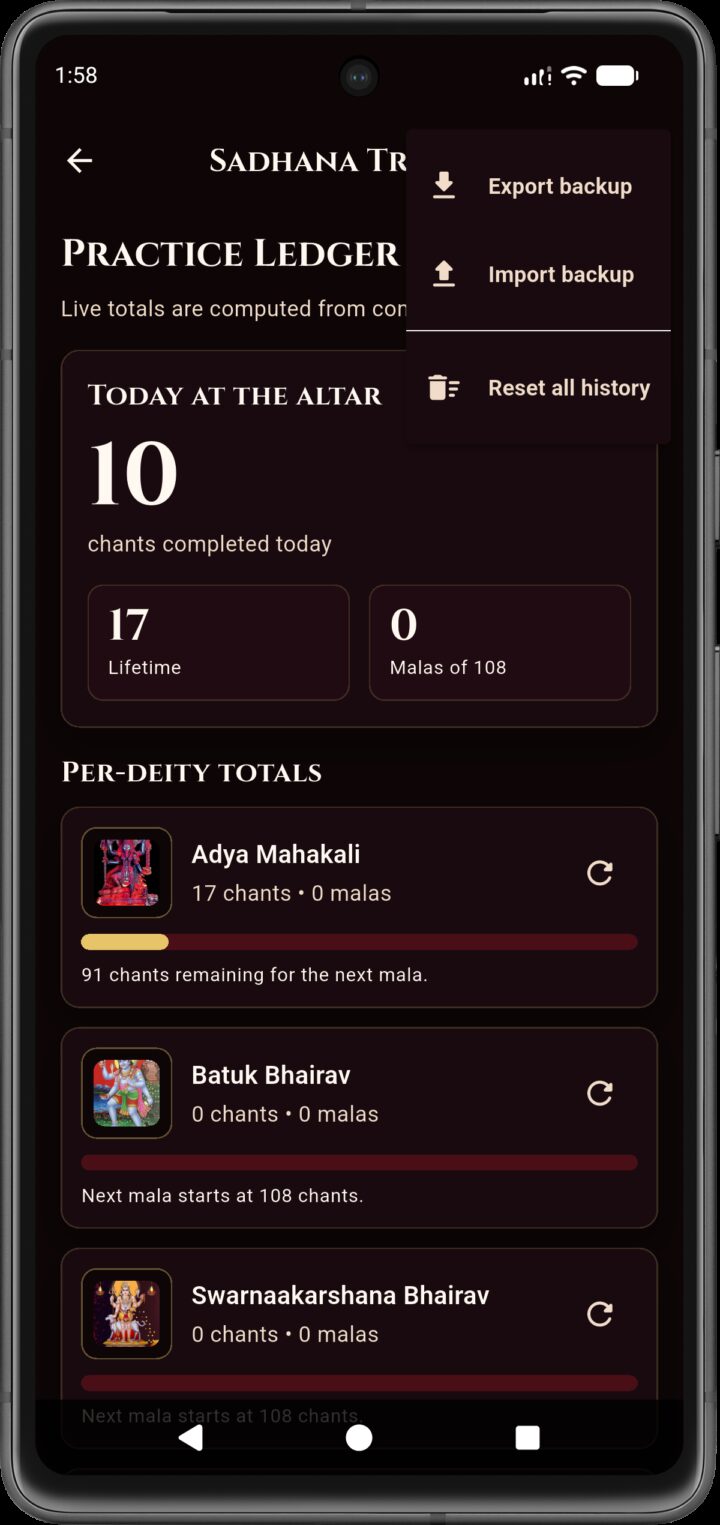
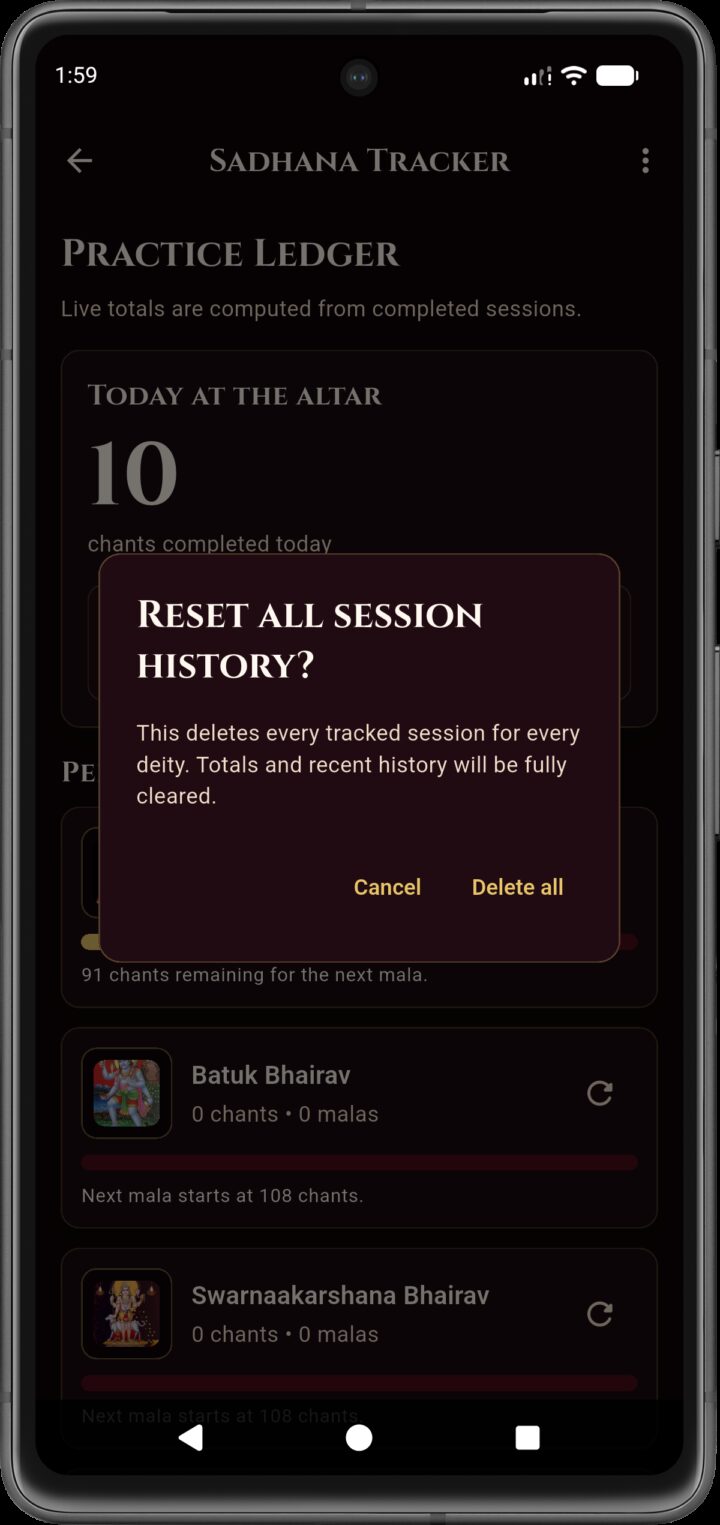
These screenshots are arranged in ascending timestamp order so the flow reads the same way the app was captured.
Screen 01
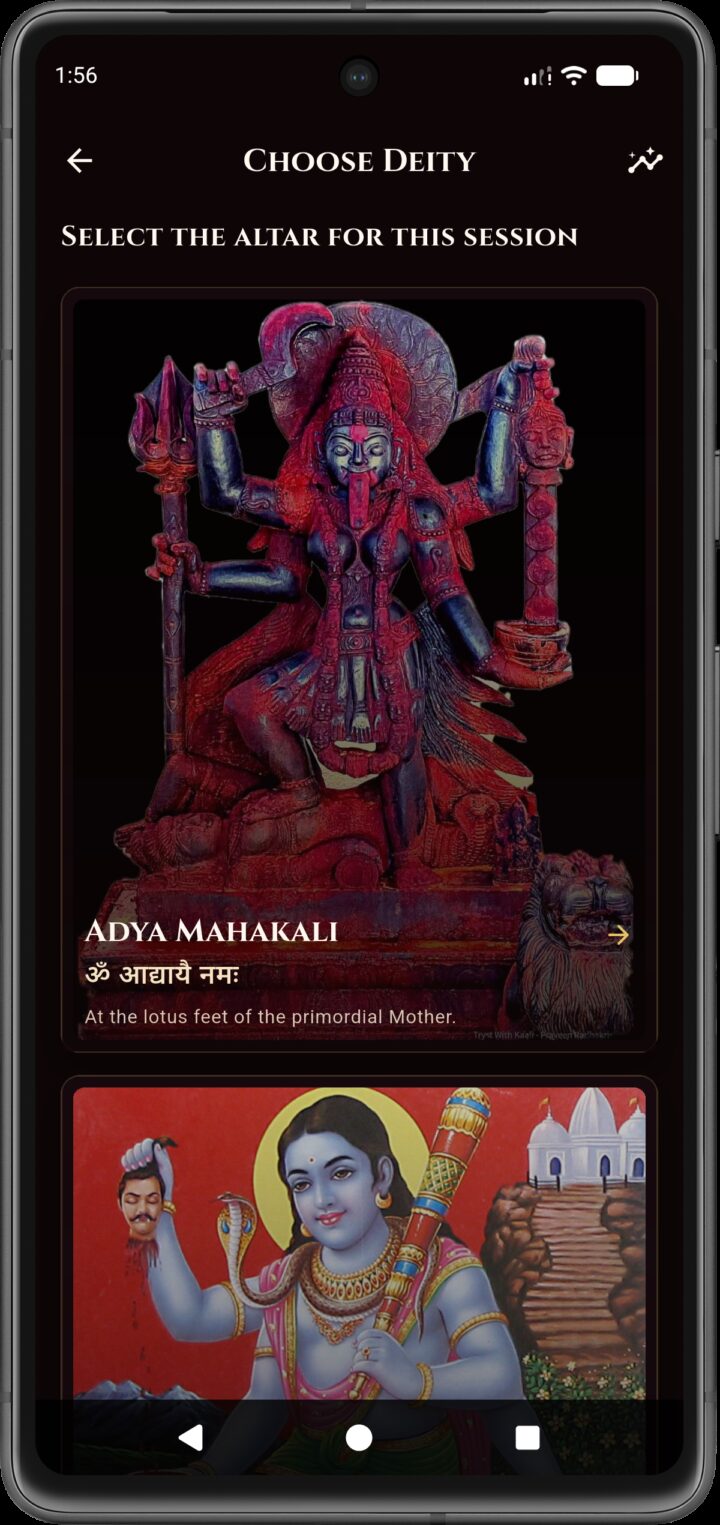
Screen 02
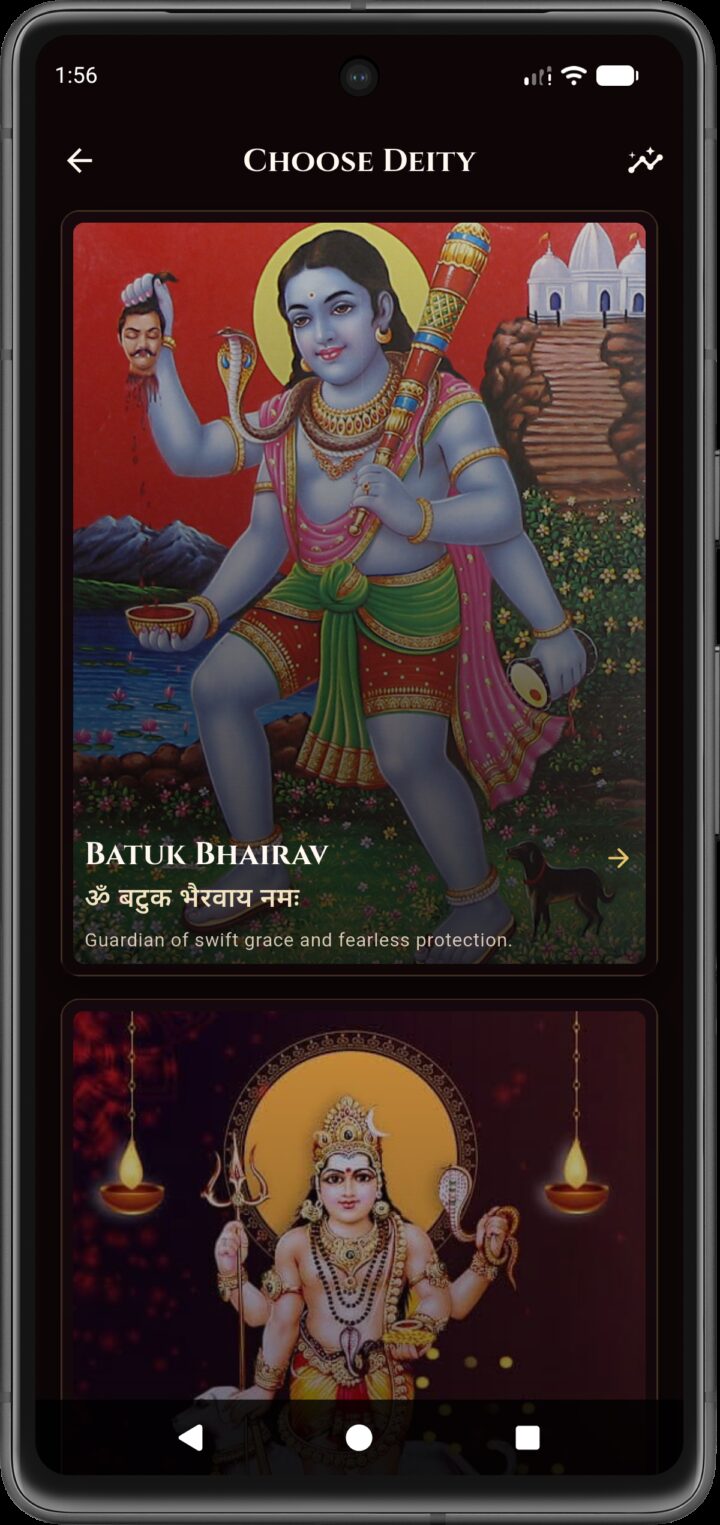
Screen 03
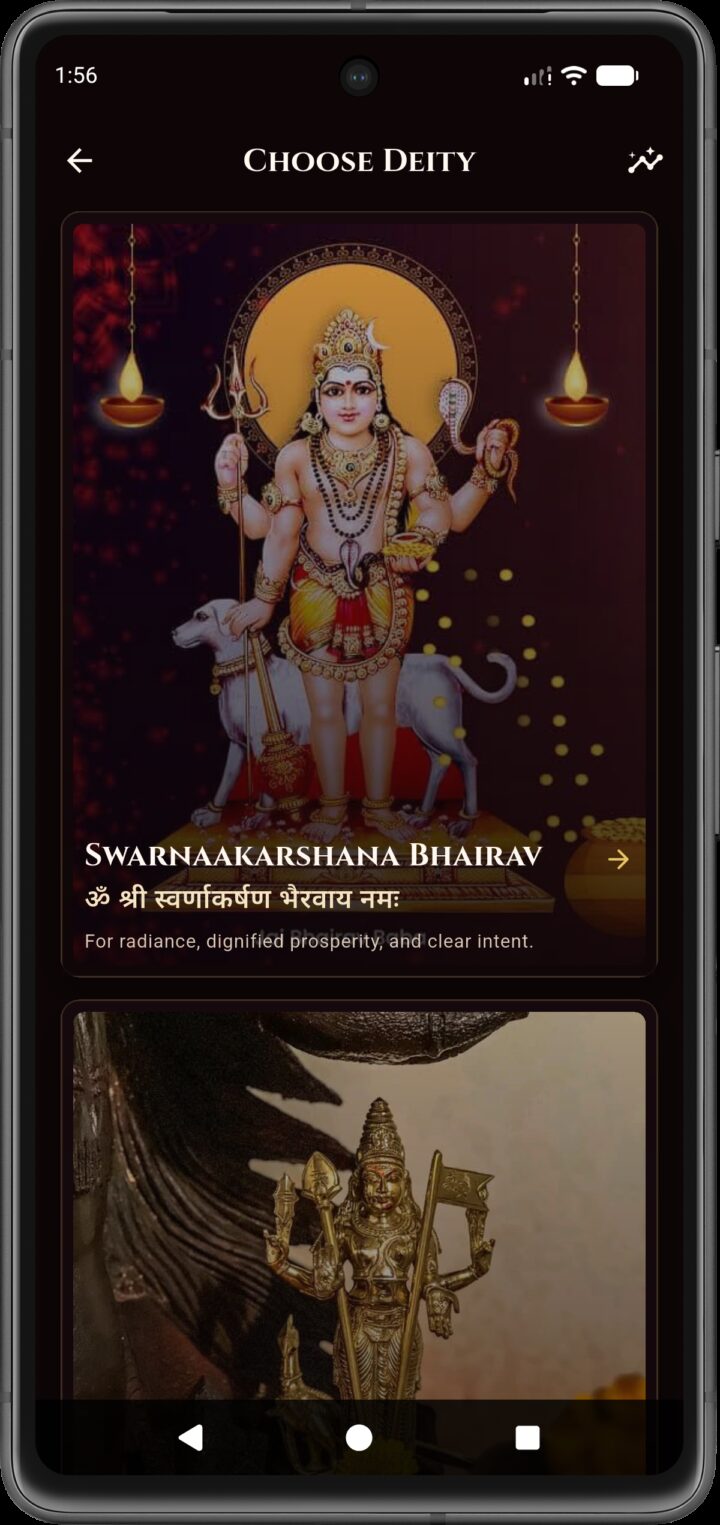
Screen 04
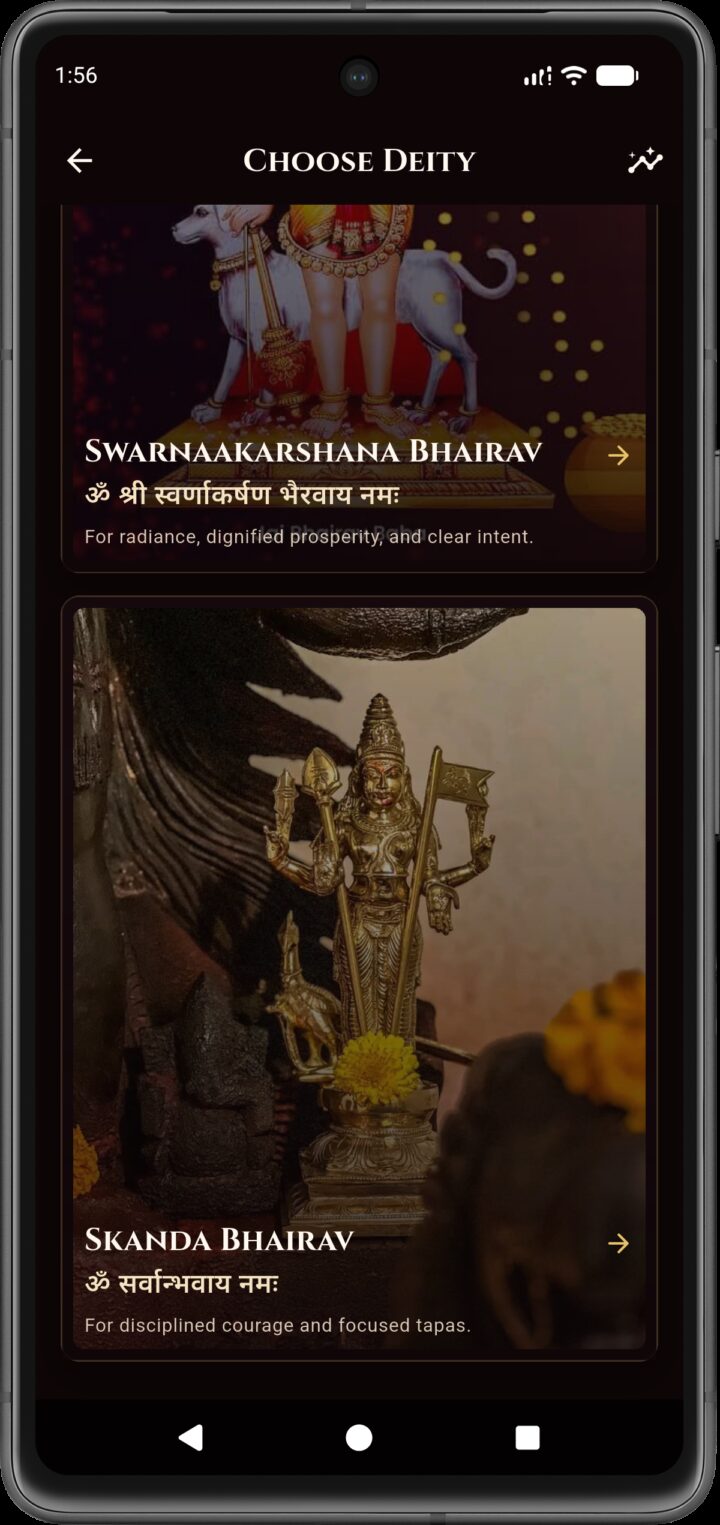
Screen 05
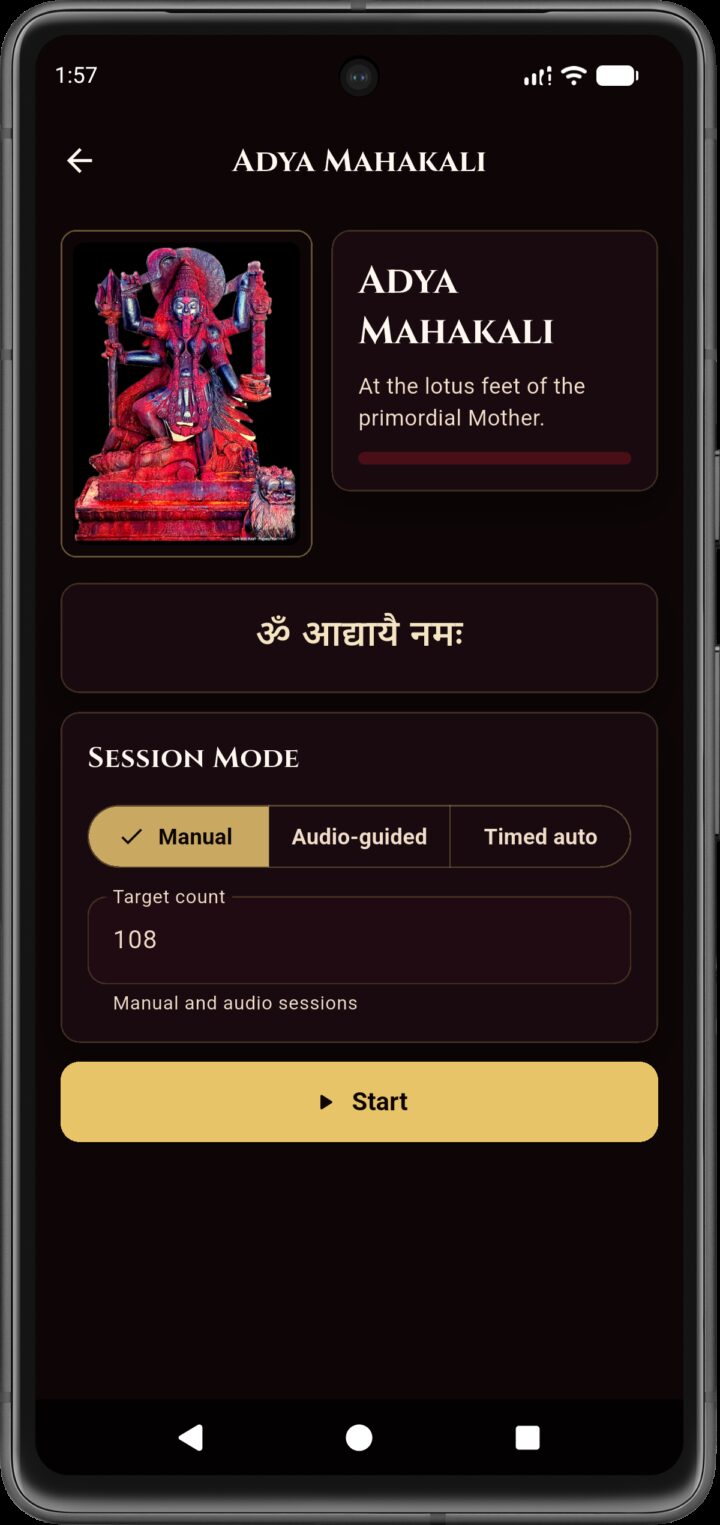
Screen 06
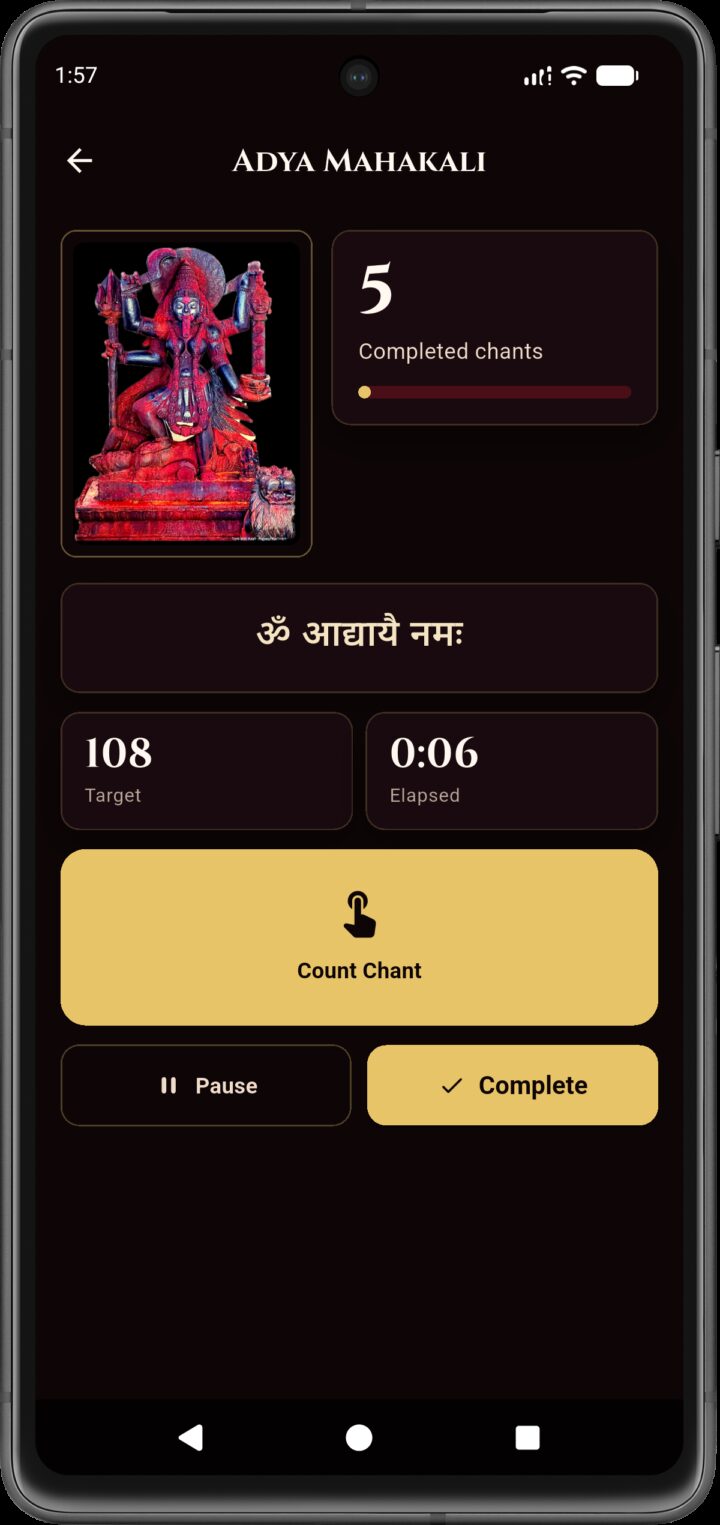
Screen 07
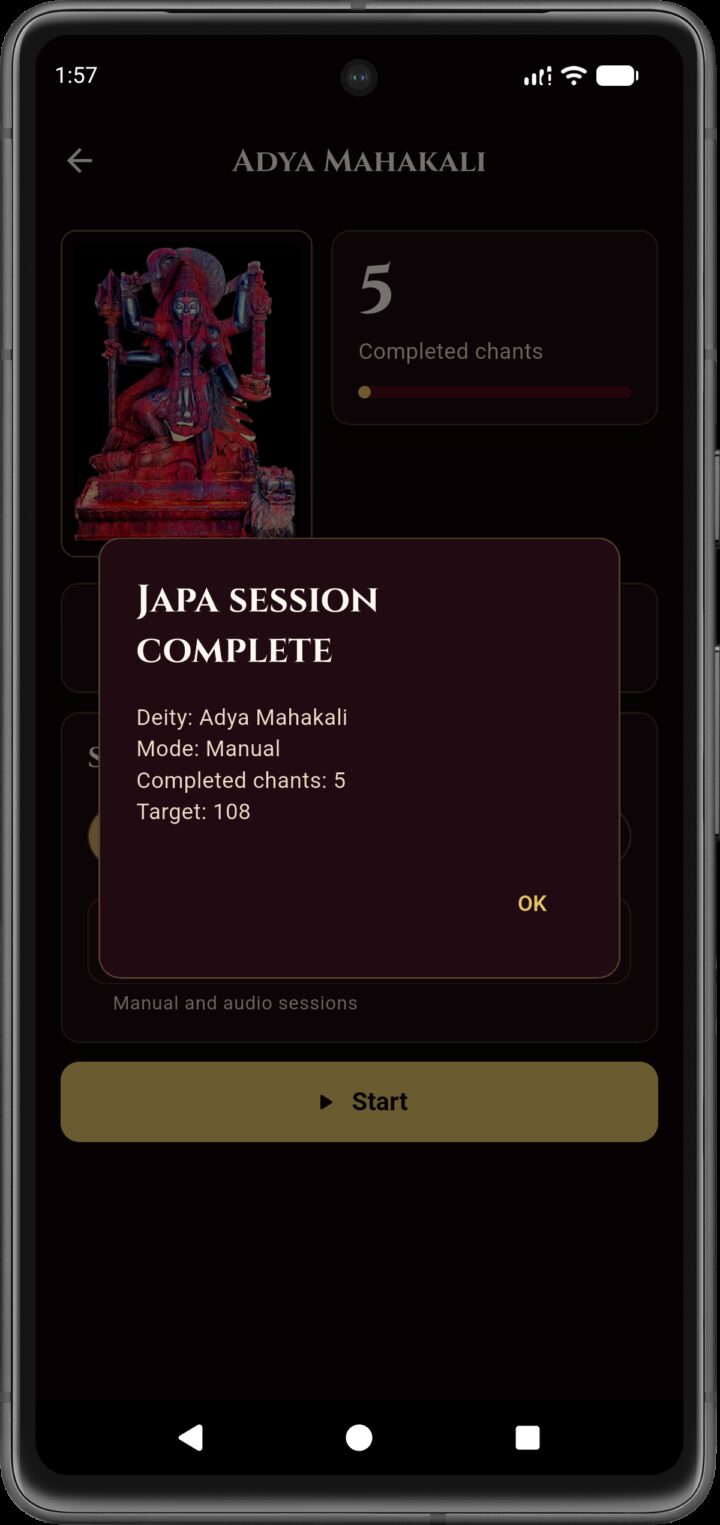
Screen 08
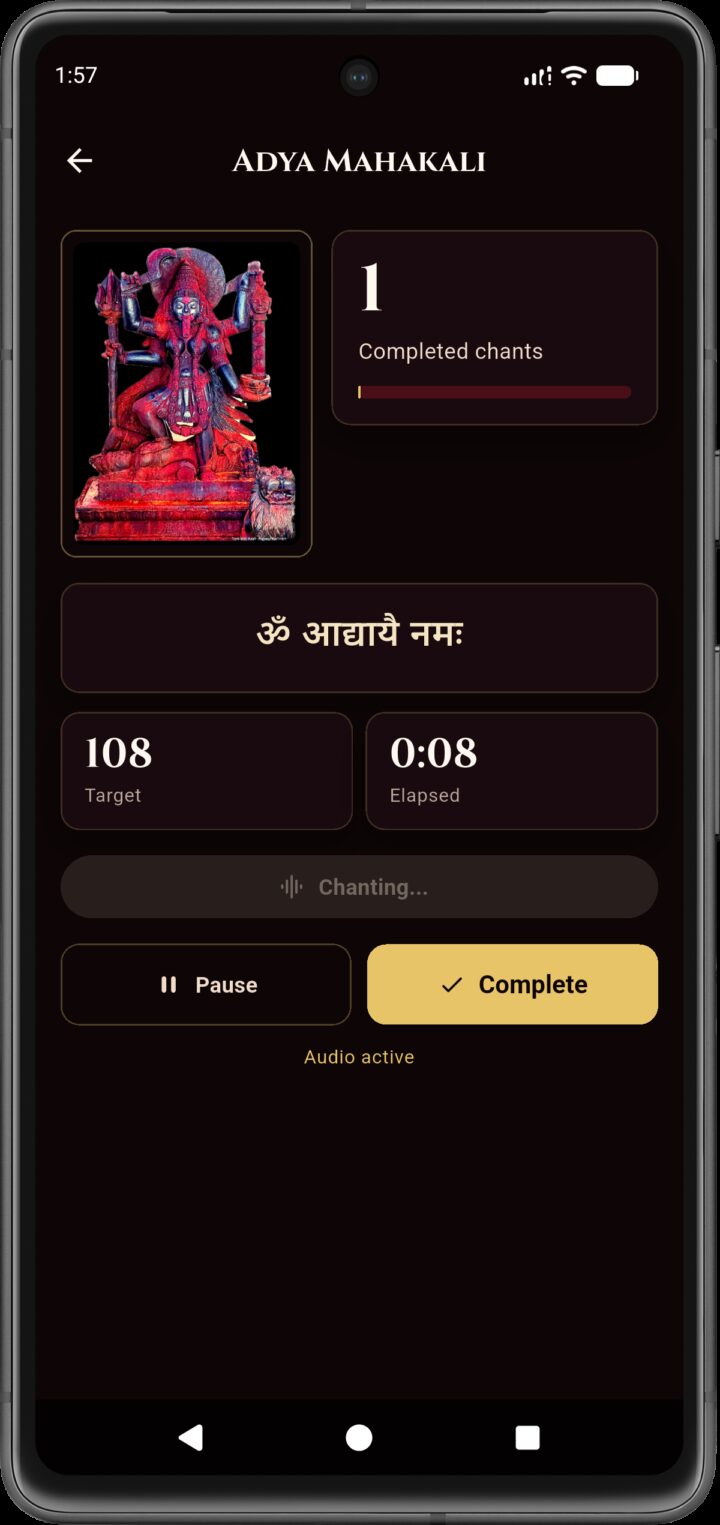
Screen 09
Screen 10
Screen 11
Screen 12
Why this page exists
Built for direct distribution, not app-store theater.
MANTRINI is currently distributed through GitHub Releases, so the website puts the official Android install path first and keeps the rest of the message simple and clear.
What the app is for
This is a respectful, offline practice companion for repeatable daily japa. It keeps the experience narrow on purpose: focused counting, session continuity, and private local record-keeping without network dependence.
Offline first
Private by design
Android primary
GitHub distributed
The absence of cloud features is part of the product boundary. MANTRINI is not trying
to become a social, monetized, account-driven platform.
Counting modes
- Manual counting for direct control.
- Audio-guided counting for supported flow.
- Timed automatic chanting for uninterrupted sessions.
History and backup
- Today totals, lifetime totals, malas, recent sessions, and per-deity counts.
- Export backups as JSON text.
- Import those backups back into the app when needed.
Android install flow
Three steps, no account creation.
Most users only need the APK. The page keeps the install sequence visible so the sideload path feels predictable rather than technical.
1
Download the APK
Tap the direct download on your Android phone, or scan the QR code to open the same file on your device.
2
Open the downloaded file
Use your browser, downloads list, or file manager. If the direct link stalls, open the latest release page and download the attached APK there.
3
Approve the trusted install
If Android blocks the first attempt, allow installation from that trusted source and confirm the app name shown is MANTRINI.
Trust boundary
Private by default, narrow by intent.
The app avoids common growth layers that would expand the trust surface and distract from devotional use.
No account system
No login, no passwords, no cloud profile, and no backend identity layer to maintain.
No monetization surfaces
No subscriptions, no ad slots, and no payment interruptions around practice.
No telemetry layer
No analytics, no hidden sync channel, and no social feed attached to your history.
Install notes
A few practical details before you install.
- MANTRINI is currently distributed through GitHub Releases, not the Google Play Store.
- If the direct APK link does not start immediately, use the latest release page and download the attached APK there.
- Some phones require enabling installs from the browser or file manager that opened the APK the first time.
- Use only APKs distributed through the official GitHub release pages for this repository.